Free Plan Template
Use a ready-made template with examples and a simple checklist to create a contingency plan for outages, delays, and other unexpected disruptions.
Create your templateSign up to create your own template.
INTEGRATED FEATURES
Recommended apps


Summary
Even with the best planning, unexpected disruptions can throw your team off track. A contingency plan template helps you get ready for these situations by giving your team a simple, reliable process to follow when things go wrong. In this article, you’ll find out what a contingency plan template is, see real examples, learn about the key parts every plan should have, and get a checklist to help you build your own.
What is a contingency plan template?
A contingency plan template is a ready-made outline your team can use to create a backup plan for unexpected events, like natural disasters or business disruptions. It covers all the important sections, so you don’t have to build a plan from the ground up. This reduces risk and ensures your team has a plan before a crisis occurs.
But having a plan isn't enough on its own. When an emergency happens, your team needs to move fast. With a collaborative work management platform, everyone can access the information they need in real time.
Create a contingency plan templateWhat is a contingency plan?
A contingency plan is a strategy you create for your team or business in case something disrupts regular operations. Think of a contingency plan as the "Plan B" for regular business operations. It's the plan that you create to keep things running even if something prevents your business from operating normally.
What's the difference between a business contingency plan and a business continuity plan?
While they sound similar, contingency plans and continuity plans serve different purposes. Teams create a contingency plan in advance of a disruption, and it's only activated when a situation meets specific, predefined criteria. A continuity plan, on the other hand, is put into action during an incident to keep the business running; no predefined trigger is required.
Contingency plan examples
A contingency plan is a strategy that outlines what your team will do if a specific risk, such as a server outage or a supply chain delay, interrupts normal operations. Here are some common situations where a contingency plan really helps:
IT system failure: If your company's primary server goes down, a contingency plan outlines steps to switch to a backup server, notify affected teams, and restore data from the most recent backup. This keeps downtime to a minimum and helps your team get back to work faster.
Supply chain disruption: If a key supplier can't deliver on time, your contingency plan might include a pre-vetted list of alternative suppliers, adjusted timelines, and communication protocols for updating stakeholders on delivery changes.
Key personnel absence: If a project lead or a critical team member is suddenly unavailable, a contingency plan defines who steps in, which handoff documents are available, and how responsibilities shift so the project stays on track.
Natural disaster or emergency: For events such as floods, earthquakes, or power outages, a contingency plan outlines evacuation procedures, remote work protocols, and communication with employees and customers during the disruption.
All these examples use the same approach: identify the risk, set the trigger, and plan the response. A contingency plan template lets you use this structure for any situation your business might face.
Why use a contingency plan template?
There are several benefits to using a contingency plan template.
Make sure every plan has the right information: Use a contingency plan template to include key details such as scenario criteria and the steps needed to keep the business running. This way, your team always has what they need to put the plan into action.
Standardize formatting: When all contingency plans follow the same format, team members know exactly where to find the information they need. In a crisis, this makes it easier to act quickly without wasting time searching for details.
Simplify plan creation: With a contingency plan template on a platform like Asana, you can quickly create new plans. Just copy the template and fill in the details for each situation.
How to create a contingency plan
To create a contingency plan, first identify risks, then rank them, make response plans, assign roles, and test the plan. Here’s how to do each step:
Identify your key business processes: List the processes and workflows most important to your operations. These are the areas where a disruption would have the biggest impact on your team’s work.
List potential risks for each process: For each critical process, brainstorm risks that could disrupt it using a premortem template. Consider internal risks (e.g., staff turnover or system failures) and external risks (e.g., supplier issues or natural disasters).
Prioritize risks by likelihood and severity: Not all risks are equally urgent. Rank each one by how likely it is and how much it could affect your business. Focus on the risks that are both likely and serious.
Define trigger points: For each top risk, set clear rules for when to use the contingency plan. These triggers help your team know exactly when to act.
Develop your response plan: Outline the specific actions your team will take when a trigger point is met in an action plan. Assign roles and responsibilities, define timelines, and document any resources needed to carry out the response.
Create a communication protocol: Plan how your team will communicate during a disruption. Decide who to notify, which channels to use, and how to share updates with everyone involved.
Test and review the plan: Try it out in a practice scenario to make sure it works and that everyone knows their role. After testing, get feedback from your team and update the plan if needed. Set regular times to review and keep it up to date.
With a contingency plan template in Asana, you can turn each step into a task, assign someone to it, and set deadlines so nothing gets missed.
Create a contingency plan templateKey components of a contingency plan template
Every contingency plan template should have these key parts so your team can quickly find and use the right information:
Plan overview: A brief summary of the plan's purpose, including what risk or scenario it addresses and who it's designed for.
Risk assessment: A detailed description of the identified risk, its likelihood, and the potential severity of its effects on your business.
Trigger criteria: The specific conditions that must be met before the plan is activated. This prevents premature or unnecessary action.
Response strategy: Step-by-step actions your team should take once the plan is triggered, including workarounds, alternative processes, and recovery steps.
Roles and responsibilities: A clear list of who is responsible for each action in the plan. Include backup assignees in case the primary person is unavailable.
Communication plan: Guidelines for how information flows during a disruption, including who communicates what, to whom, and through which channels.
Resources and tools: Any materials, systems, or budgets needed to carry out the plan. Link to relevant documents, vendor contacts, or backup systems.
Testing schedule: A timeline for when the plan will be tested and reviewed, along with a process for incorporating lessons learned.
When you create your contingency plan template in Asana, you can add custom fields to track each part and set up repeating tasks for regular reviews.
Contingency plan checklist
Use this checklist to make sure your contingency plan covers everything your team needs. Check off each item as you complete it:
☐ Identify all critical business processes
☐ List potential risks for each process in a risk register
☐ Rank risks by likelihood and severity
☐ Define trigger criteria for each high-priority risk
☐ Assign a plan owner and response team for each risk
☐ Write step-by-step response actions
☐ Establish a communication protocol
☐ Identify required resources, tools, and budget
☐ Document backup contacts for key roles
☐ Schedule a test run of the plan
☐ Collect feedback from the test and update the plan
☐ Set a recurring review date (quarterly or biannually)
☐ Store the plan in a shared, accessible location like Asana
This checklist works hand in hand with your contingency plan template. In Asana, you can make each checklist item a task, assign it to someone, and track progress as it happens. Project Brief. A project brief is a way to communicate important details and dates to your broader project team. Make sure your team can easily access your project brief by storing it in a central source of truth, such as Asana.
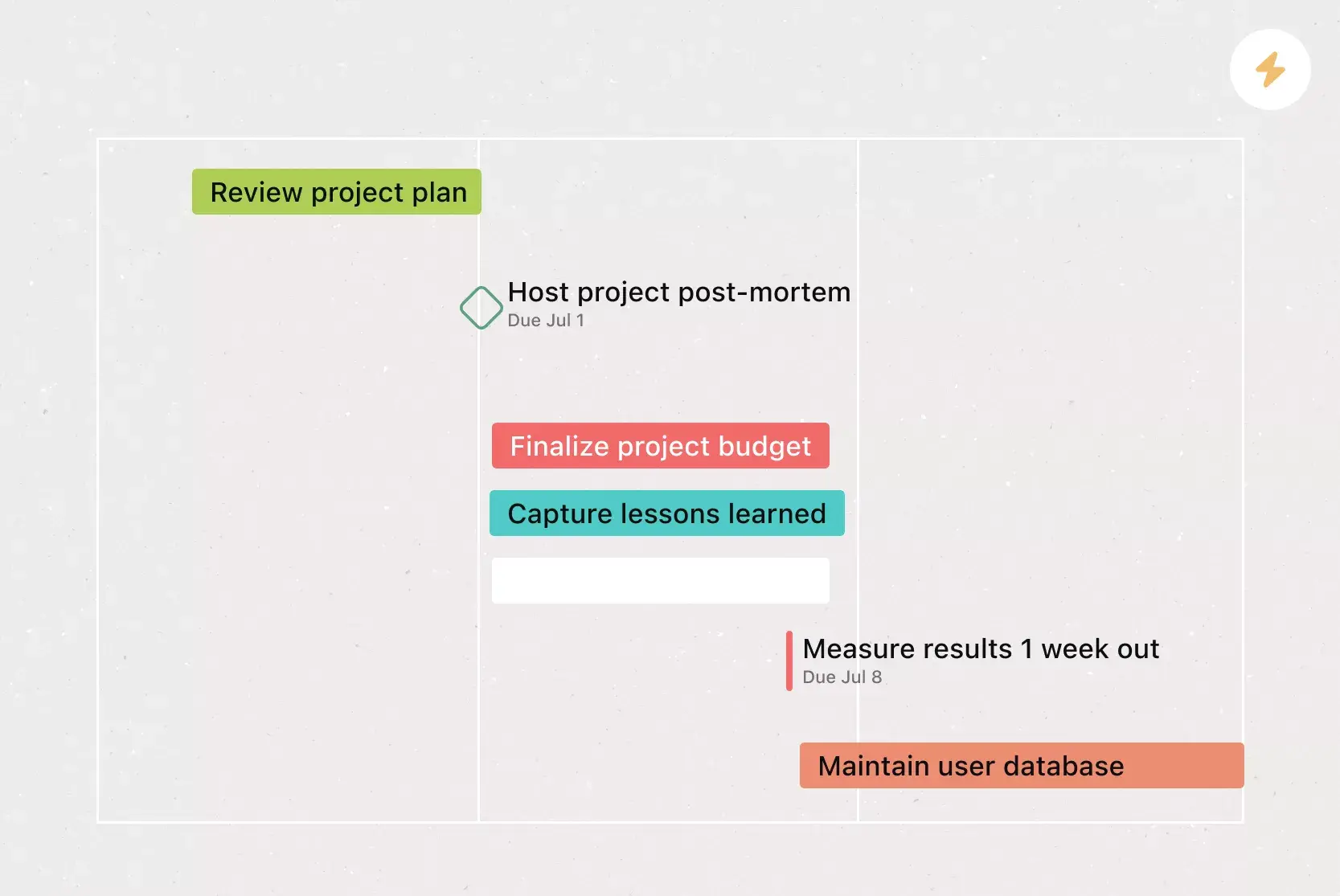
Approvals. Sometimes you don't just need to complete a task; you need to know whether a deliverable is approved. Approvals are a special type of task in Asana that allow you to "Approve," "Request changes," or "Reject" the task. That way, task owners get clear instructions on the actions they should take and whether their work has been approved.
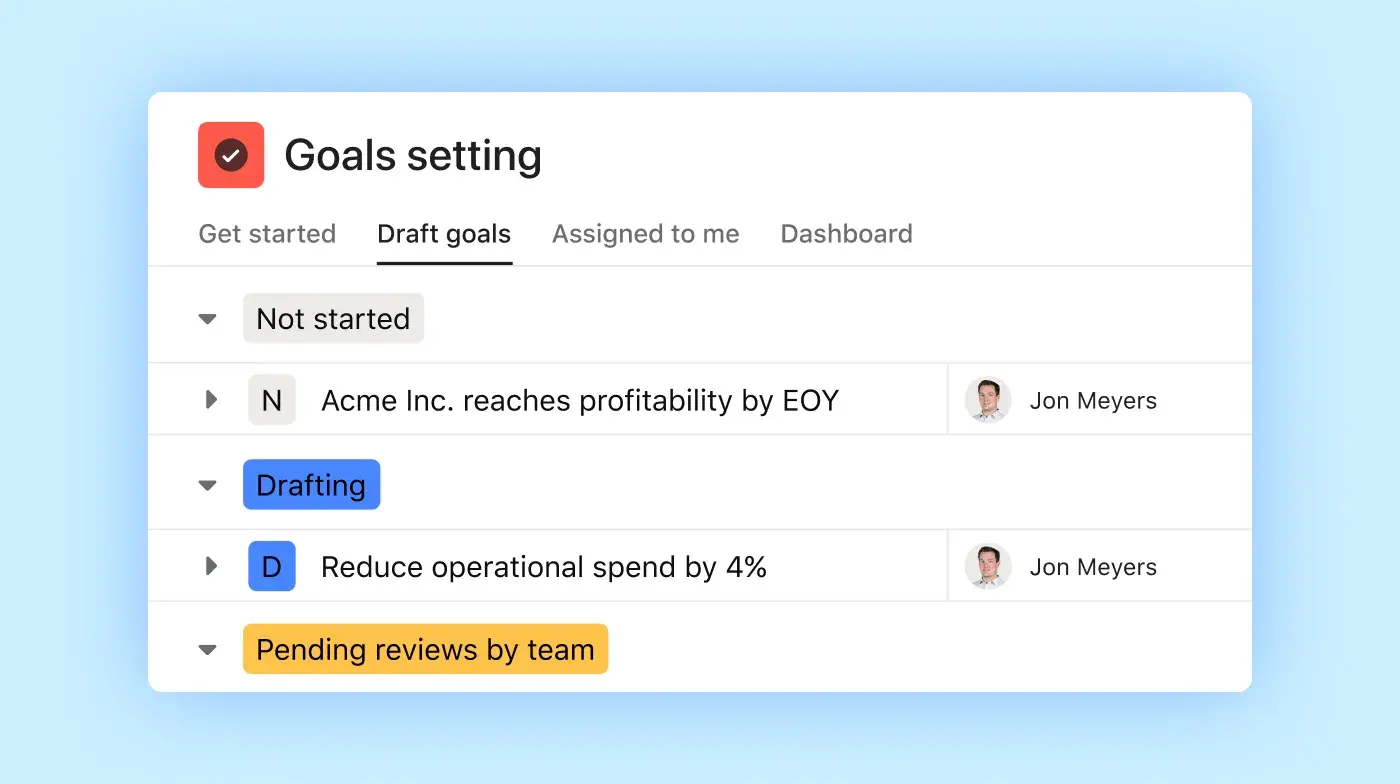
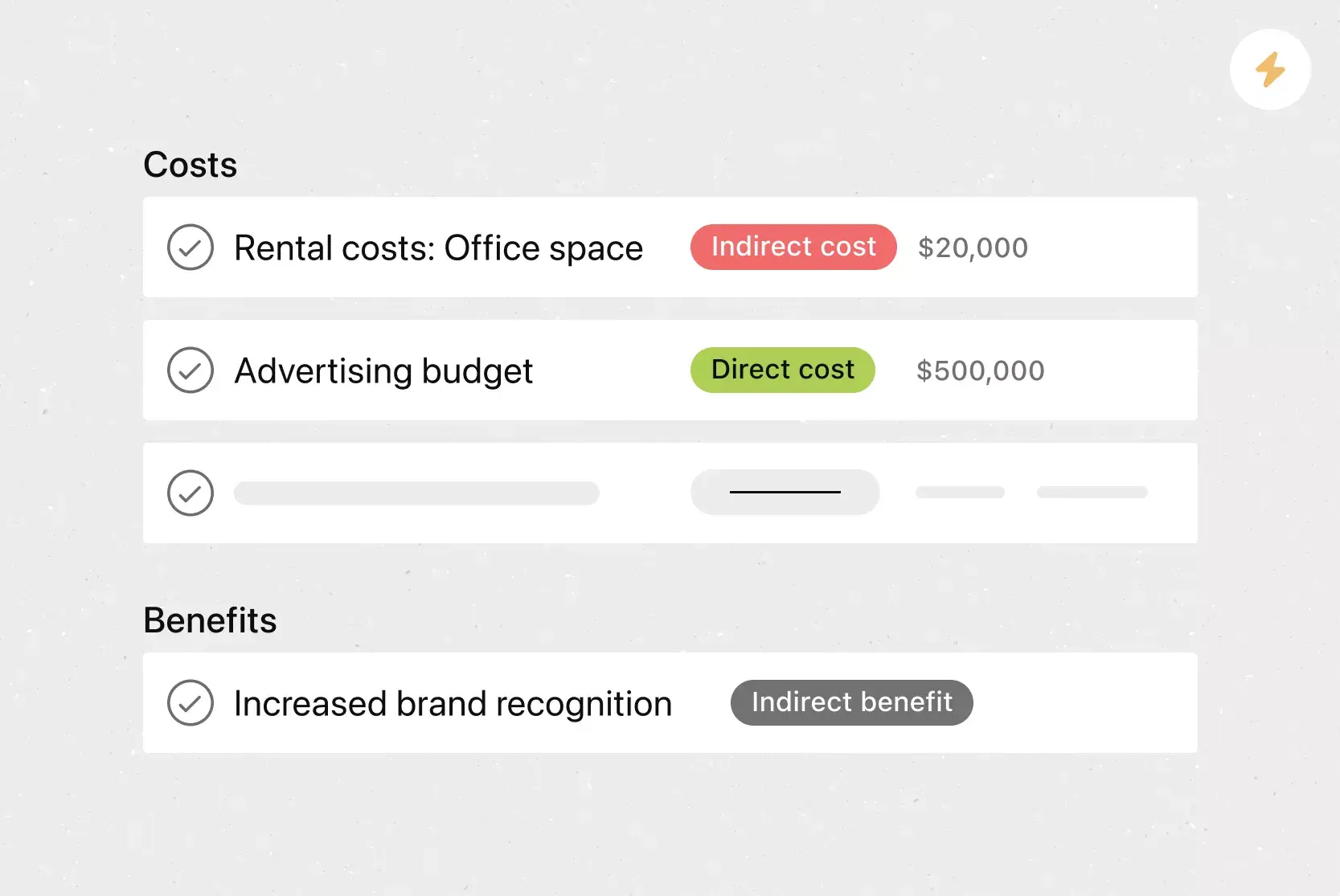
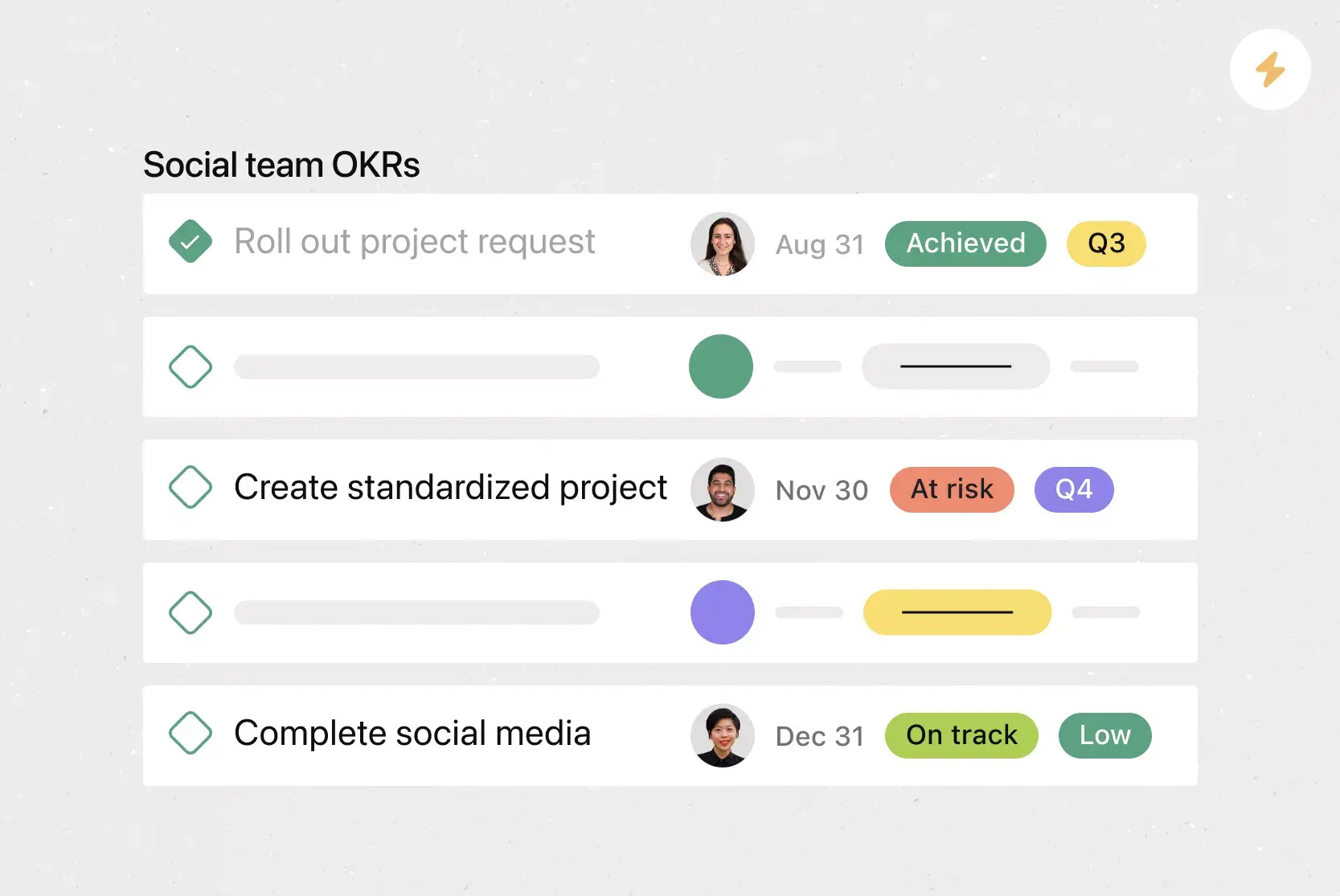
Custom fields. Tag, sort, and filter work by creating custom fields for any information you need to track, from priority and status to contact details. Share them across tasks and projects to ensure consistency across your organization.
Messaging. Send messages to any combination of individuals, teams, and projects to share non-actionable updates. Link to tasks, projects, and goals so recipients can quickly gain context.
Recommended apps
Google Workplace. Attach files directly to tasks in Asana using the Google Workspace file picker, built into the Asana task pane. Easily attach any My Drive file with just a few clicks.
Slack. Turn ideas, work requests, and action items from Slack into Asana tasks and comments. Go from quick questions and action items to tasks with assignees and due dates. Easily capture work so requests and to-dos don't get lost in Slack.
Microsoft Teams. With the Microsoft Teams + Asana integration, you can search for and share the information you need without leaving Teams. Easily connect your Teams conversations to actionable items in Asana. Plus, create, assign, and view tasks during a Teams Meeting without switching to your browser.
Get started with contingency planning in Asana
A good contingency plan helps your team handle disruptions confidently and keep moving forward. With a clear template, key parts, and a simple checklist, you can get ready for the unexpected and keep your projects on track.
Turn your template into a reusable project, assign owners to every action item, and set up automated reminders for regular reviews, all in one place. Get started today and give your team a plan they can count on.
Create a contingency plan templateFrequently asked questions about contingency plan templates
How do you write a contingency plan?
What are the benefits of contingency planning?
What are the 9 steps of contingency planning?
What are the 7 steps in contingency planning?
When should you use a contingency plan?
Related templates




![[Templates] Product Roadmap (Card image)](https://assets.asana.biz/transform/2728edf4-eb35-4dd5-8d03-25ba8cbe5864/TG23-web-thumbnail-028-scrumban-feature-static-2x?io=transform:fill,width:2560&format=webp)


Create templates with Asana
Learn how to create a customizable template in Asana. Get started today.