Offboarding Templat
Create an offboarding checklist you can use each time an employee leaves. Keep important knowledge, avoid missing steps, and ensure a successful departure.
Create your templateSign up to create your own template.
INTEGRATED FEATURES
Recommended apps


Summary
When an employee leaves your company, having a clear plan makes all the difference. We tend to invest in onboarding to help new employees hit the ground running, but we don't always do the same for offboarding. Yet a structured exit process is just as important for protecting your team, your workflows, and your projects.
A reusable employee offboarding template can make transitions smoother and help prevent disruptions whenever someone leaves.
This article covers what employee offboarding is, why it matters, how to create a reusable checklist template in six steps, and common mistakes to avoid.
![[product ui] Employee offboarding checklist template in Asana, spreadsheet-style project view (List)](https://assets.asana.biz/transform/c1b5a2d3-36a6-4038-9b84-384328ad5e17/TG23-web-hero-50-offboarding-static-2x?io=transform:fill,width:2560&format=webp)
If you need an onboarding template instead, you can find it here:
Create an employee offboarding templateWhat is employee offboarding?
Employee offboarding is the structured process of managing an employee's departure from your company, covering everything from knowledge transfer and access revocation to final paperwork and exit interviews. A clear offboarding process helps remaining team members coordinate the transition while giving people managers and HR a reliable way to close out responsibilities, such as resignation letters, benefits, and company assets.
Your employee offboarding experience will depend on your company culture and specific organizational needs, but the process should:
Team communication: Prepare the team's departure and ensure all necessary announcements are made.
HR paperwork: Help the human resources department gather and process all required documentation.
Knowledge transfer: Capture concepts, processes, and work-in-progress before the employee's last day.
Asset collection: Collect laptops, ID cards, and any remaining company-owned materials.
Exit interview: Collect feedback to improve the work experience for future employees.
An employee offboarding checklist template lets you track each step and make sure nothing is missed when someone leaves. Once you know an employee is departing, just copy the template and start the process.
The purpose of a digital employee offboarding checklist template
A simple checklist can be a great way to stay organized. Instead of writing one by hand or using a hard-to-update document, you can make a digital employee offboarding checklist template. This keeps you organized and makes sure the offboarding process is consistent across your company.
This way, you won't miss any important steps. For example, if you forget to send information to your health insurance provider, the departing employee might not be able to continue their extended health care. Using the same checklist for everyone helps you avoid missing any steps, big or small.
Why employee offboarding matters
Offboarding might seem like just a formality, but having a good process in place protects your organization in several key ways:
Preserves institutional knowledge. When employees leave, they take critical knowledge about processes, client relationships, and ongoing work with them. A structured offboarding process ensures you capture that knowledge before their last day, so your team can pick up where they left off.
Reduces security and compliance risks. Revoking system access, collecting company devices, and handling final pay correctly are all time-sensitive tasks. Missing any of them can expose your organization to data breaches, compliance violations, or legal issues.
Strengthens your employer brand. How you treat departing employees sends a clear signal to the rest of your team. A respectful, thorough offboarding process shows that you value people from their first day to their last, which helps with retention and even opens the door for boomerang hires down the road.
Keeps projects on track. When someone leaves, the work doesn't stop. A good offboarding process helps you redistribute tasks, update project owners, and avoid bottlenecks so your team stays productive during the transition.
6 steps to create an offboarding checklist template
You can create your offboarding checklist template by following these six simple steps:
Review materials. Gather everything you need to properly offboard your employees and review it. If you already have existing documents, processes, or offboarding guides, be sure to include those here.
Check with other departments. While the employee's manager and HR usually handle offboarding, it's also important to think about what other teams need. For example, what does IT require? What about the finance team?
Create sections to organize checklist tasks. The exact tasks will vary depending on your specific company needs, but they will include basic information such as the employee's name and role, paperwork to be completed, and steps to take (e.g., scheduling an exit interview).
Connect relevant documents and information. In addition to coordinating processes, you can use project management software to add documents directly to the checklist. For example, you can attach forms that need to be reviewed and signed with assigned deadlines to keep everyone on track.
Save your checklist template in a place everyone can access. To help with consistency, the whole organization should be able to use it. Once it's ready, store it somewhere universal so anyone who needs it can find it.
Share your template with anyone who needs to offboard employees, including managers, team leads, and department heads.
Common offboarding mistakes to avoid
Even with a checklist, some mistakes can still hurt your offboarding process. Here are the most common ones and how to avoid them:
Skipping the exit interview. Exit interviews are one of the best ways to learn what's working and what isn't in your organization. When you skip them, you miss valuable feedback that could help you improve retention, support continuous improvement, and strengthen the overall employee experience.
Delaying system access revocation. Forgetting to deactivate accounts, revoke permissions, or collect login credentials creates a real security risk. Make IT access revocation one of the first tasks on your checklist, not an afterthought.
Neglecting paperwork and final pay. Mistakes in final pay, missed deadlines for ending benefits, or incomplete paperwork can cause compliance problems. Double-check local rules and ensure your checklist covers all required documents.
Failing to communicate the departure. If a team member leaves and no one informs the rest of the team, it can cause confusion. Make sure you have a clear plan to notify colleagues, clients, and stakeholders about the change and who will take over the team member's responsibilities.
Rushing knowledge transfer. Waiting until an employee's last few days to capture their processes and institutional knowledge almost always leads to gaps. Start knowledge transfer early and build dedicated time for it into the offboarding timeline.
Ignoring the remote offboarding experience. If you have remote or hybrid employees, make sure your checklist includes steps for collecting equipment by mail, conducting virtual exit interviews, and coordinating access revocation across cloud-based tools.
Integrated features
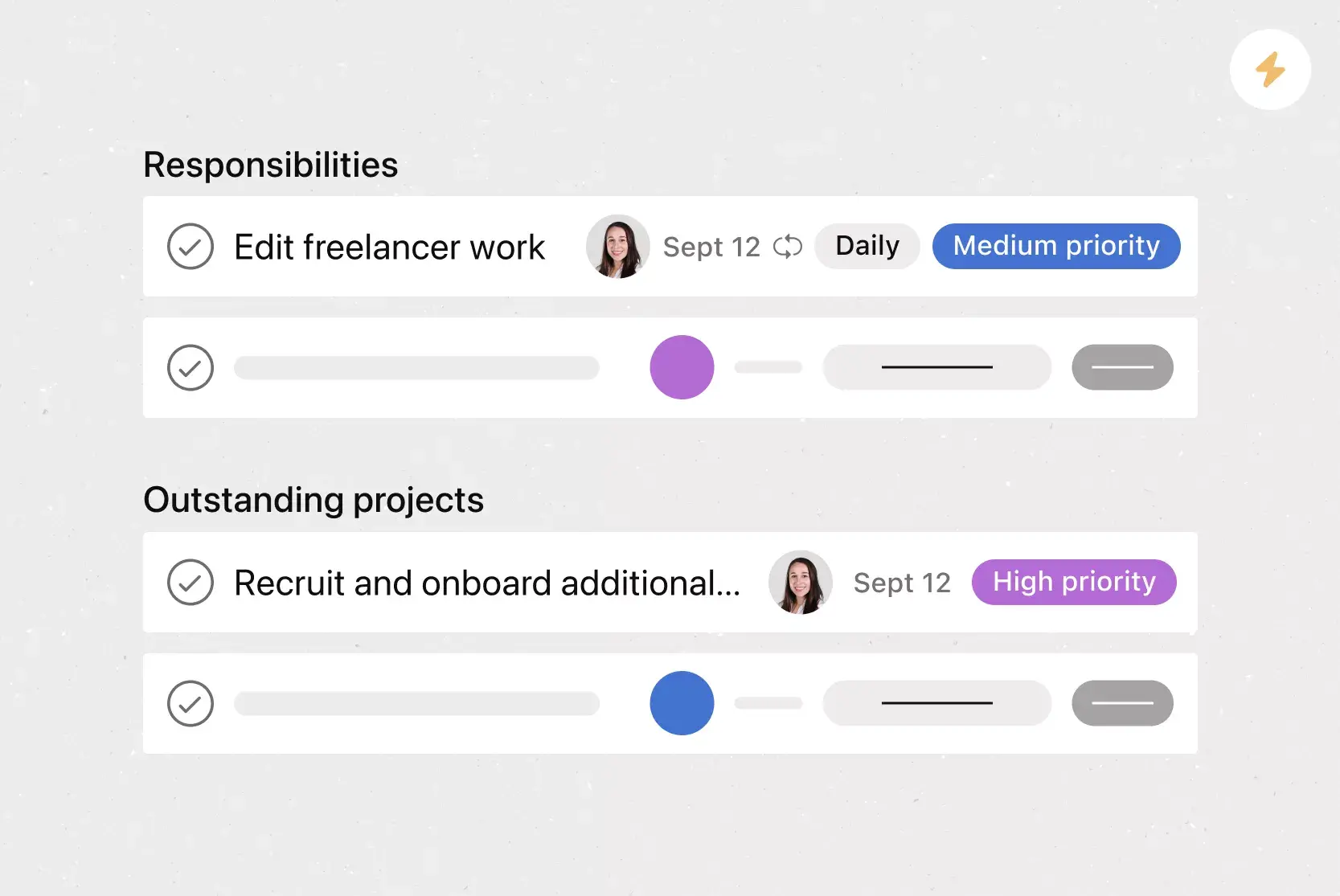
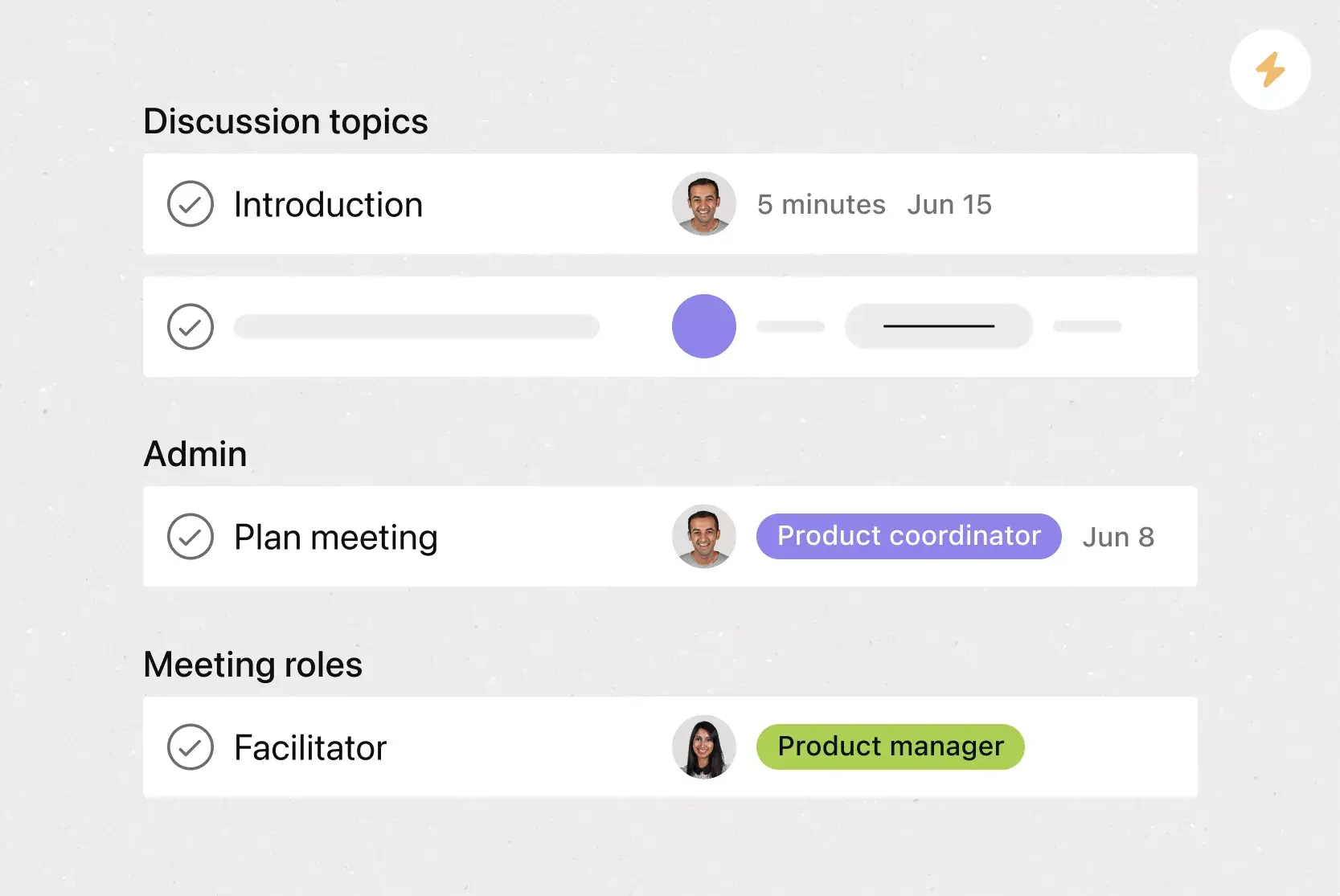
List View. List View is a grid-style view that lets you see all your project's information at a glance. Like a to-do list or a spreadsheet, List View displays all your tasks at once so you can not only see task titles and due dates, but also view any relevant custom fields, such as Priority, Status, and more.
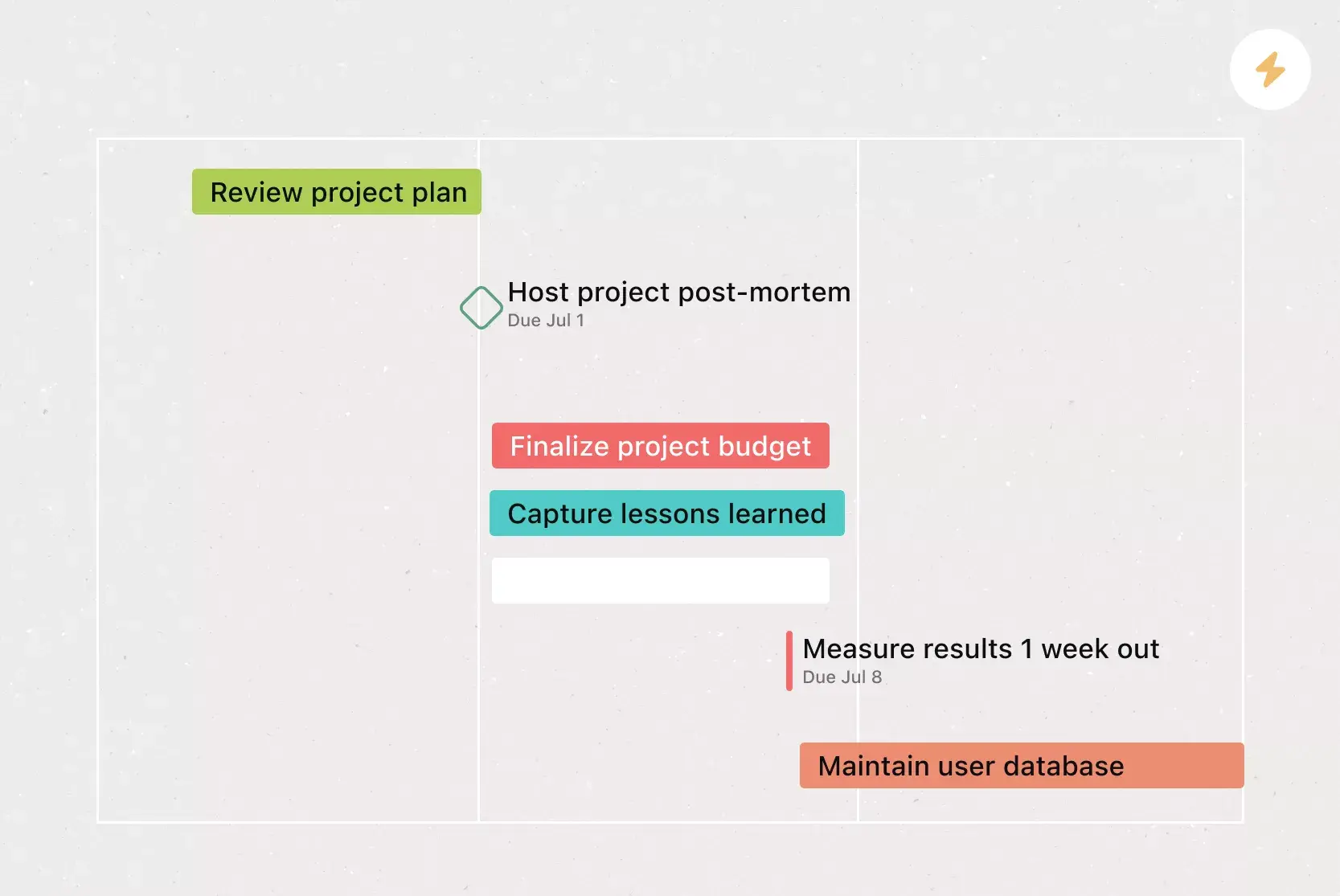
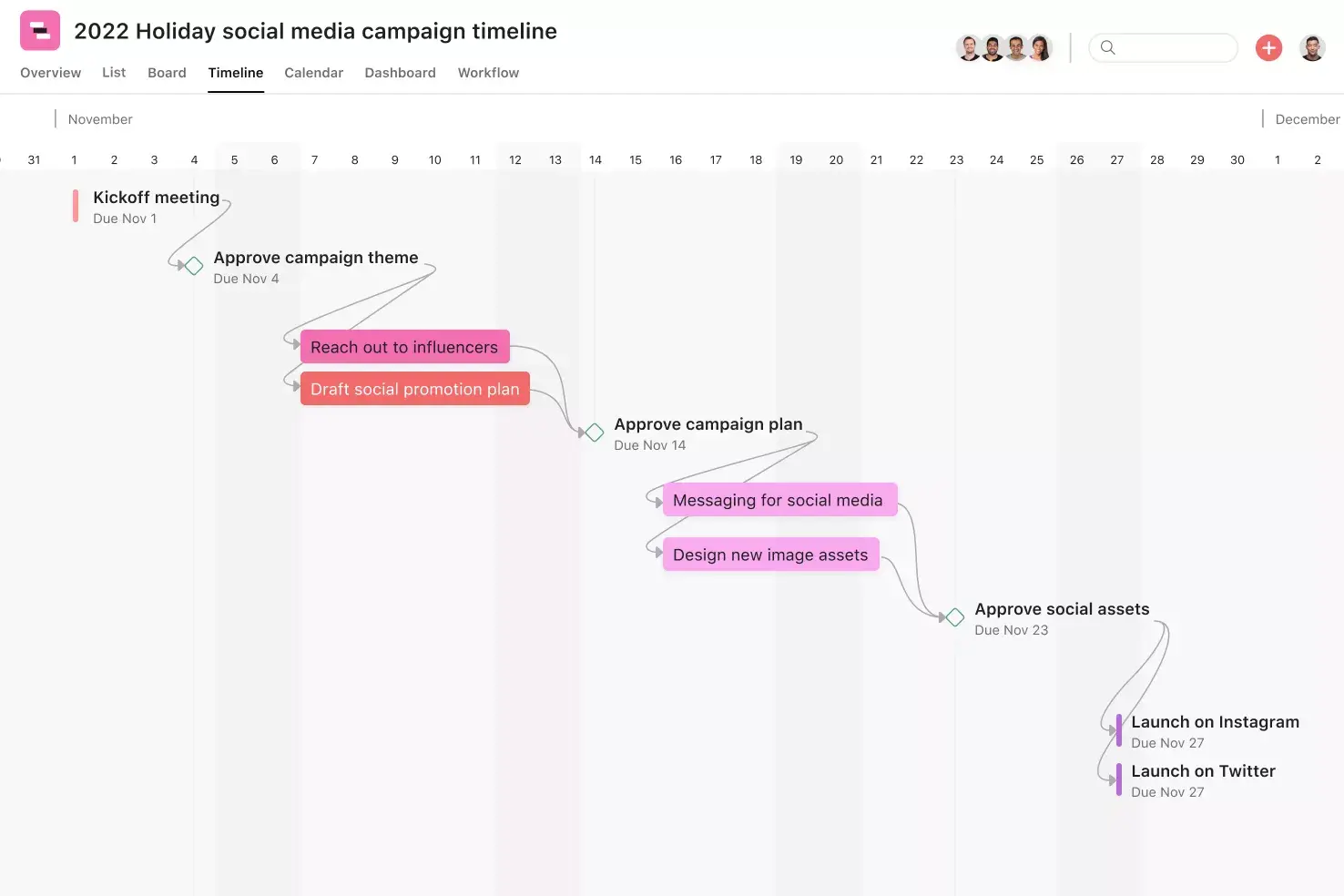
Timeline View. Timeline View is a Gantt-style project view that displays all of your tasks in a horizontal bar chart. Not only can you see each task's start and end date, but you can also see dependencies between tasks. With Timeline View, you can easily track how the pieces of your plan fit together.
Forms. When someone fills out a Form, it appears as a new task in an Asana project. By taking information via a Form, you can standardize how work gets kicked off, gather the information you need, and ensure nothing falls through the cracks.
Subtasks. Sometimes a to-do is too big to fit into a single task. Subtasks are a powerful way to distribute work and split tasks into individual components, while keeping the small to-dos connected to the overarching context of the parent task.
Recommended apps
Dropbox. Attach files directly to tasks in Asana using the built-in Dropbox file chooser in the Asana task pane.
Slack. Turn ideas, work requests, and action items from Slack into Asana tasks and comments that are trackable. Go from quick questions and action items to tasks with assignees and due dates.
Google Workplace. Attach files directly to tasks in Asana using the Google Workspace file picker, built into the Asana task pane. Easily attach any My Drive file with just a few clicks.
OneDrive. Attach files directly to tasks in Asana using the Microsoft OneDrive file chooser, built into the Asana task pane. Easily attach files from Word, Excel, PowerPoint, and more.
Create an offboarding experience with Asana
A structured offboarding process protects your organization, keeps important knowledge, and shows departing employees that you value their work. Using a reusable checklist template helps make every transition smooth and consistent.
Asana makes it easy to build, share, and manage your offboarding checklist in one place. Get started and create your free employee offboarding checklist template today.
Create an employee offboarding templateFrequently asked questions about employee offboarding
What is an offboarding checklist template?
What are the benefits of an offboarding checklist?
What is the difference between an onboarding template and an offboarding template?
How long should the offboarding process take?
How do I offboard remote or hybrid employees?
Related templates
![[Templates] Candidate tracking (card image)](https://assets.asana.biz/transform/70ec5311-0378-430f-9be6-f7023a8070c6/inline-board-view-hiring-pipeline-2x?io=transform:fill,width:2560&format=webp)
Support your employees up to their very last day
Stay on top of every important detail with our template—and set departing employees up for success.